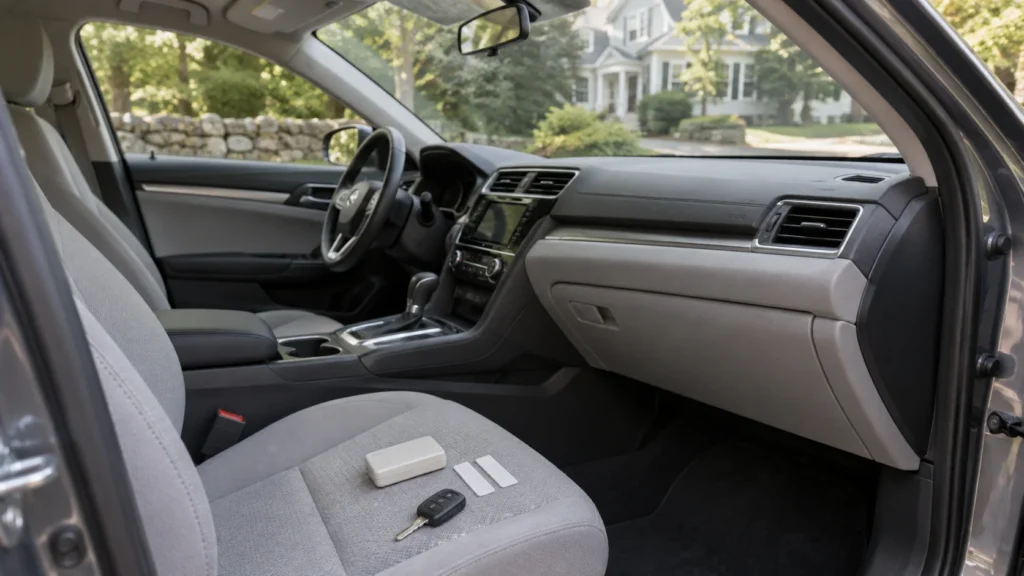
Before selling your car, remove your E-ZPass MA transponder and update the vehicle information on your toll account. These are two separate tasks. Taking the device off the windshield does not update the plate details stored online.
For Boston-area sellers, add both checks to your handover list. Decide whether you will keep the account for another car or request closure. You do not need to give the buyer your toll tag, password or payment details.
Still arranging the sale? Send Boston Car Buyers your vehicle details to discuss an inspection and written offer for a car in good condition.
E-ZPass MA checklist before handing over your car
Keep the physical device, account details and sale records on separate lines of your checklist. This makes it easier to see what you have actually finished.
| Item | Action | Keep a record |
|---|---|---|
| Transponder | Remove it before handover. | Note where you stored it. |
| Vehicle details | Update the sold vehicle and plate information. | Save the confirmation. |
| Replacement car | Check plate listing and vehicle class. | Review the updated account. |
| Account closure | Use the official closure process if needed. | Keep your request and response. |
| Unexpected toll | Compare the trip date with your sale record. | Retain the notice and reference number. |
Your E-ZPass MA checklist belongs beside the keys and ownership paperwork. Our Massachusetts selling paperwork guide covers the separate documents needed for the vehicle sale.
Update the vehicle on your E-ZPass MA account
Review the sold car’s make, model and plate information. The official EZDriveMA terms require prompt notice when vehicle or license-plate details change. They also explain that plate images can be used to match tolls to an account.
Use your E-ZPass MA account or contact customer service for the appropriate vehicle update. If you cannot find the right option, ask for help instead of assuming that deleting a payment card removes the car.
- Identify the sold vehicle carefully, especially if several cars share the account.
- Check the plate number and issuing state before saving changes.
- Keep the confirmation with your sale documents.
- Review the account afterward to see whether the requested update appears.
Updating E-ZPass MA is separate from dealing with registration and insurance. Follow our plates and registration checklist after a Massachusetts sale for those steps. Do not treat a toll-account confirmation as an RMV receipt.
Keep or return your E-ZPass MA transponder
Keeping another car does not necessarily mean you need a new toll account. The official transponder instructions allow use in another vehicle when all license plates are listed on the account and the vehicles are the same class.
Check those conditions before moving your E-ZPass MA device to a replacement car. If you are unsure about vehicle class or your particular device, ask customer service before using it.
When a vehicle is being transported, the official instructions say to remove the transponder and shield it in its foil bag or household aluminum foil. An unshielded tag left in the car is an avoidable loose end.
If you no longer need E-ZPass MA, use the official account forms to find the closure request. Follow the return instructions for your device and confirm any outstanding balance. Mailing a tag and requesting account closure should not be treated as the same completed action.
Forgot your toll tag or received a charge after selling?
Contact E-ZPass MA customer service promptly if your device left with the car. Explain when you sold it and ask what action is needed on the account. Arrange recovery with the buyer where possible; do not rely only on a promise to stop using it.
For an unexpected E-ZPass MA charge, gather the facts before contacting support:
- The toll transaction date, rather than only the date you saw the charge.
- The vehicle and plate shown on the notice.
- Your sale or handover record.
- Any earlier account-update confirmation.
Ask which review or dispute process applies. A sale record does not guarantee that every charge will be removed. Keep the response and follow the instructions on any official notice.
While checking the cabin, also remove saved addresses, paired phones and connected accounts. Our car privacy checklist covers those separate tasks.
FAQ: E-ZPass MA when selling a car
What do I do with E-ZPass MA after selling my car?
Remove the transponder and update the vehicle details on your account. Then decide whether to retain the account for eligible future use or request closure.
Can I move my toll transponder to another car?
Yes, the official instructions allow it when all plates are listed and the vehicles are the same class. Confirm that your replacement vehicle meets those conditions.
Can I throw away an E-ZPass MA device?
Follow the official return instructions instead. The terms state that the transponder remains MassDOT property; the document library provides a separate account-closure form.
What if my E-ZPass MA tag went with the buyer?
Contact customer service promptly, explain the sale and ask how to handle the device and account. Coordinate its recovery with the buyer and keep the response.
Plan your Boston car sale and handover
Finish the E-ZPass MA checks while you can still inspect the cabin and organize your records. Boston Car Buyers purchases good-condition vehicles across Greater Boston. Check the brands we buy, then gather your vehicle details.
We inspect the car, make a written offer, and pay by business check or certified bank check at handover. Request your car-selling offer to start the conversation.